
SlideAdmin can be installed as an add-on for Google Docs™. You can do this by installing it from the Google Workspace Marketplace.
The extension is required for converting Google Docs™ to Google Slides™.
Install the SlideAdmin Add-on
Visit the SlideAdmin listing on Google Workspace Marketplace.
Click Install and allow the permissions required by the app.

Open a Google Doc and Grant Access
Grant access to the current Google Doc™
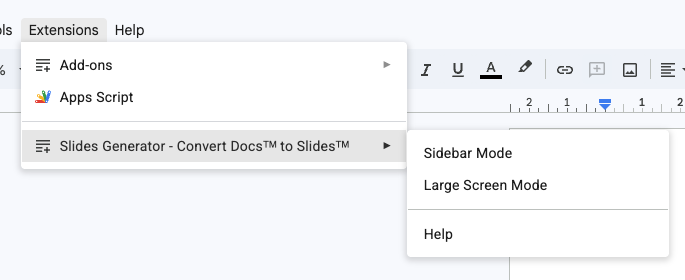
In Google Docs™, navigate to
Extensions > SlideAdmin - Convert Docs™ to Slides
Select Sidebar Mode or Large Screen Mode.
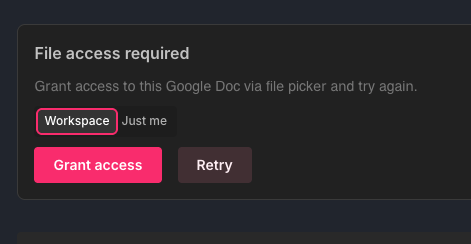
Optionally select whether to allow other users in your SlideAdmin workspace to see the document within Synced Docs.
Click Grant Access.
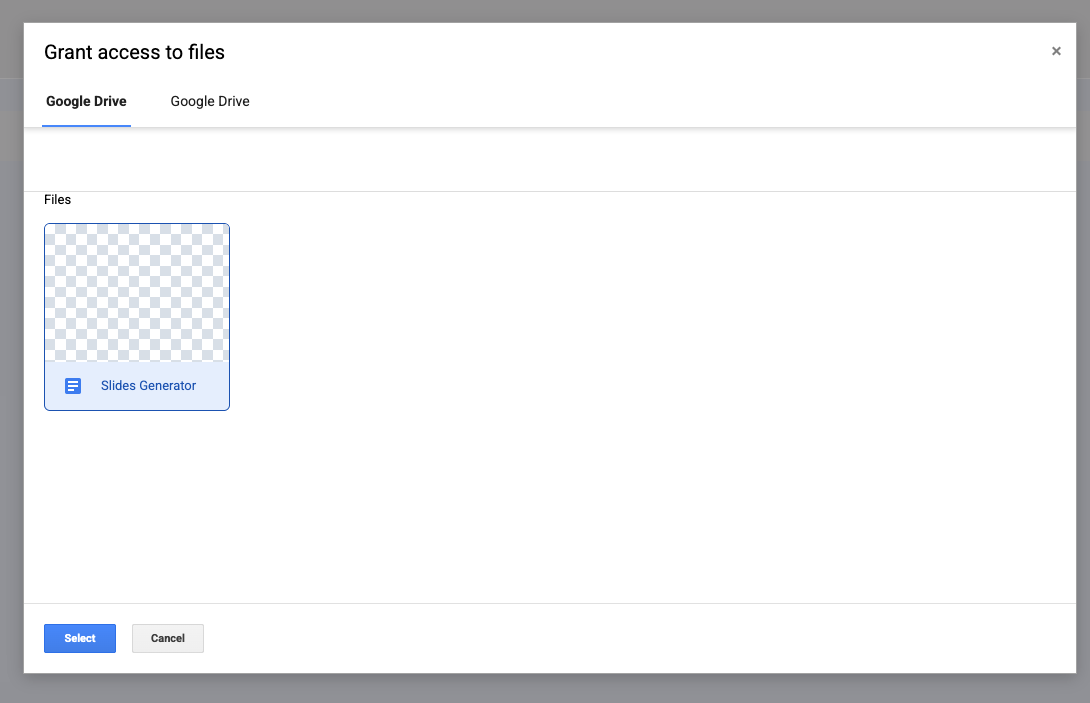
You will see the document in a Google file picker. Click the document then click Select