
Slides Generator Sync Is Here + Other Big Updates
Slides Generator now brings Google Docs™ to Google Slides™ sync, smarter layouts, high-fidelity previews, and faster day-to-day workflows in one major update.

May 11, 2026
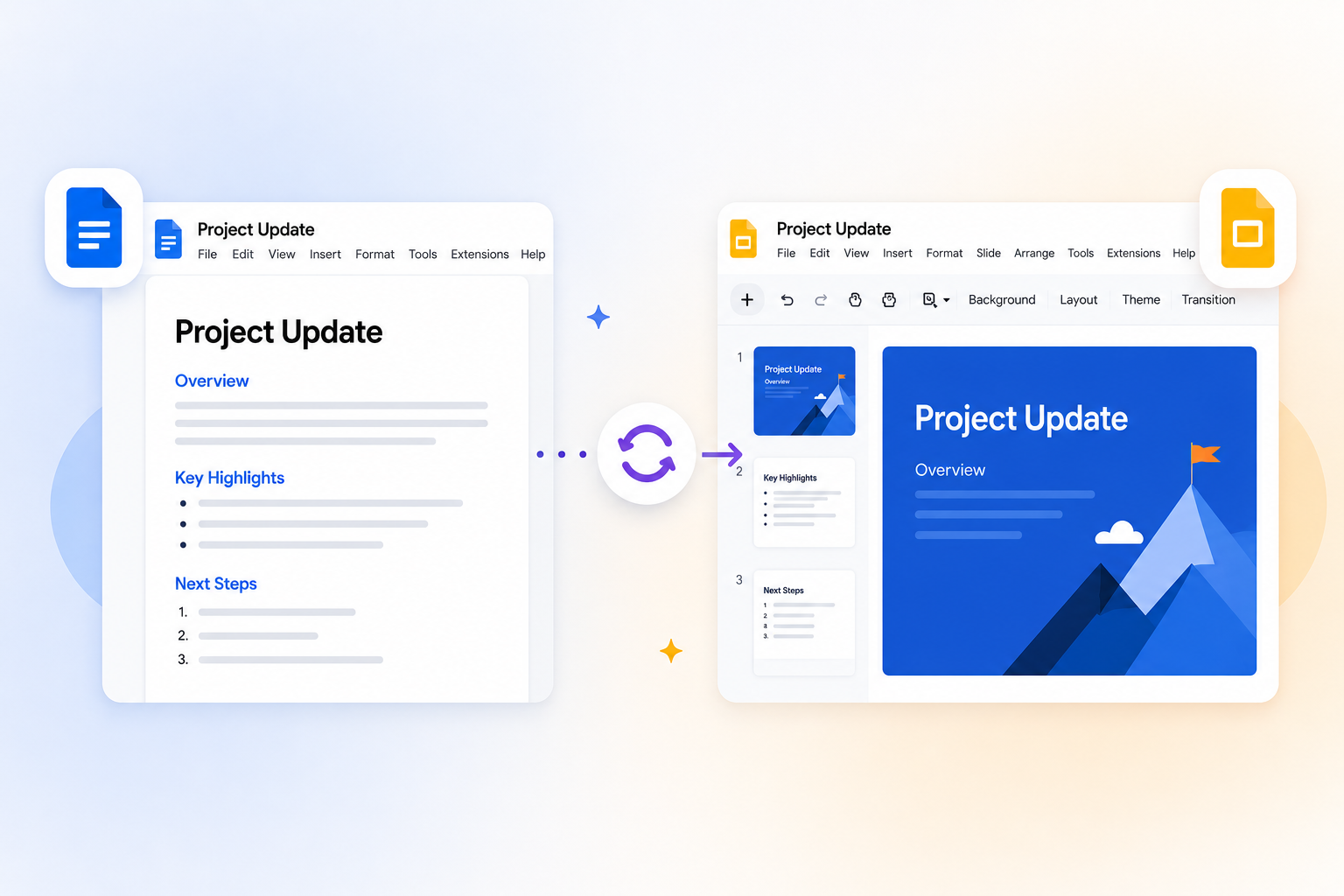
Table of contents
Some updates feel incremental. But we've taken a leap forward with this one.
We are excited to announce a major product release focused on one thing: making your document-to-presentation workflow faster, cleaner and easier. From Google Docs™ to Google Slides™ sync, to cleaner layout automation, to higher-fidelity previews, this release is designed to give you better-looking presentations, more confidence before you present and more enjoyment using our software.
If you already use Slides Generator, you'll feel the difference immediately on first load of our add-on. If you are new to Slides Generator, this is a great time to jump in.
Google Docs™ to Google Slides™ Sync Is Here
Previously, Slides Generator would always generate a new Google Slides™ presentation. Even if you changed one word or updated the formatting or styling, we would generate an brand new Google Slides™ presentation from scratch. This meant many duplicate Google Slides™ files in your Google Drive resulting in a lot of manual cleanup being required afterwards.
We are so excited to announce the ability to now sync your Google Docs to Google Slides.
Sync is now the center of the workflow after your first generation, so you can keep your Google Slides™ deck up to date as your source Google Docs™ document evolves.
- Quickly refresh previews and status badges before syncing so you can review exactly what changed.
- Use Sync slide for targeted updates, or Sync All when you are ready to apply pending changes across the deck.
- Ability to see an manage all Google Docs™ that were previously used to sync Google Slides™ presentations. See Synced Docs Manager Guide.
For a step-by-step walkthrough, see How to Sync Google Docs to Google Slides. Sync features are available on eligible plans/trial.
Auto Layouts That Save Manual Design Time
Previously, Slides Generator would simply render Google Docs™ lists and Google Slides™ lists as-is, resulting in generic, bullet-heavy slides that did little to make your content shine.
Slides Generator now performs layout automation to make your slides look awesome.
- Google Docs™ lists as well as subsections with subheading (Heading 2, Heading 3, etc) and body text now render as auto layout cards.
- Overflow behavior is handled automatically for supported card-heavy slides, including continued-slide splitting when content exceeds layout limits.
- Icon and layout controls make it easier to keep generated slides aligned with your visual style without hand-editing every slide.
This means less time spent on post-generation formatting and more time spent on your message.
High-fidelity Slide Previews
Previews are now more representative of what the actual slide looks like.
- Preview rendering is closer to generated output, so you can make styling decisions with better confidence before syncing or generating.
- Faster refresh-review loops make iteration smoother when content or appearance settings change.
- Preview-first workflows reduce back-and-forth between tools by surfacing quality and structure issues earlier.
If you care about predictable output and fewer surprises, this is one of the biggest quality-of-life wins in the release.
New Image Masks for Side-Image Layouts
You can now add more visual character to images without extra manual design work.
- Decorative image mask styles are now available for supported image slots, helping slides feel more polished out of the box.
- Mask options are integrated into style controls, so you can choose a look that matches your brand or presentation tone.
UI Improvements for Faster Day-to-Day Work
A bunch of small enhancements add up to provide some of the biggest gains in this release for workflow speed and clarity.
- Previews load quicker, even if your Google Docs™ document has lots of pages of images and content.
- Slide search helps you quickly find the right content in larger documents and linked presentation sets. See How to Access and Search Linked Google Slides.
- There is now the ability to open a linked Google Slides™ presentation or even an individual linked slide directly.
- Appearance presets can now be saved and reused, so teams and repeat workflows can keep style consistency without reconfiguring every time.
What This Means for Existing Users
If you have used earlier versions of Slides Generator, here are the key behavior changes to know:
- You will need to grant access to the active Google Docs™ document via the Google file picker. This will require enabling third-party cookies in your browser. You will only need to do this once per document.
- You no longer generate a brand-new Google Slides™ file every time. After initial generation, the primary workflow is synced updates.
- If you want the next sync to create a new Google Slides™ presentation, there is the option to unlink a presentation. See How to Unlink a Presentation .
- The previous "generate into destination file of choice" option has been removed because the linked sync model effectively replaces that flow.
- Content structure is now more explicit: use Heading 1 for slide titles, while Heading 2 through Heading 6 are treated as subsection headings.
These updates are intended to reduce confusion, improve consistency, and make ongoing presentation updates over time faster, cleaner and easier.
Try It Today
Every improvement in this release brings us closer to the vision we started with and continue to stand by — a world where a simple structured document becomes a great presentation deck. Automatically, without the pain of manual copying and pasting and formatting.
We've also simplified how you try it: no more slide credits, just a near-fully featured 7-day trial that begins the moment you generate your first presentation.
Install the add-on, connect a doc, and try the new flow today: Slides Generator Add-on.